Galaxy Tab S10 Fingerprint Sensor Features
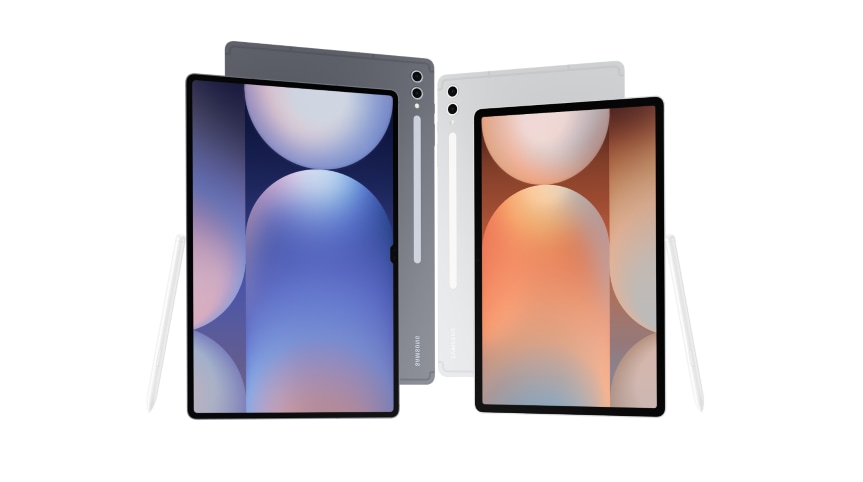
How does the fingerprint sensor work on the Samsung Galaxy Tab S10?
The Samsung Galaxy Tab S10 features an optical on-screen fingerprint sensor that provides secure and convenient biometric authentication. This sensor uses advanced technology to recognize your fingerprint accurately and quickly, ensuring a seamless user experience.
1. How does the fingerprint sensor work on the Galaxy Tab S10?
The optical on-screen fingerprint sensor on the Galaxy Tab S10 captures the unique pattern of ridges in your fingerprint and compares it with the pre-scanned template stored securely on the device. This ensures that only your registered fingerprint can unlock the device.
2. What are the key features of the fingerprint sensor?
The fingerprint sensor on the Galaxy Tab S10 offers several key features:
- Security: The sensor distinguishes between real and fake fingerprints, providing robust protection against unauthorized access.
- Usability: Designed for ease of use in both portrait and landscape orientations, the on-screen sensor ensures convenience regardless of how you hold your tablet.
- Quick Access: The sensor is conveniently located on the power button, allowing for fast and effortless authentication.
3. Are there any limitations to the fingerprint sensor?
While the fingerprint sensor on the Galaxy Tab S10 is highly effective, there are some limitations to consider:
- Lighting Conditions: The sensor's performance may decrease in strong sunlight, potentially affecting its ability to recognize your fingerprint accurately.
4. Supported Samsung Galaxy devices
The optical on-screen fingerprint sensor is available on the following Samsung Galaxy devices:
- Galaxy Tab S10 series
- Galaxy S24 series
- Galaxy Z Fold series
- Galaxy Z Flip series
5. Related Samsung support topics
Thank you for your feedback!
Please answer all questions.